Azure Cloud Platform: Essential Guide for AI Teams
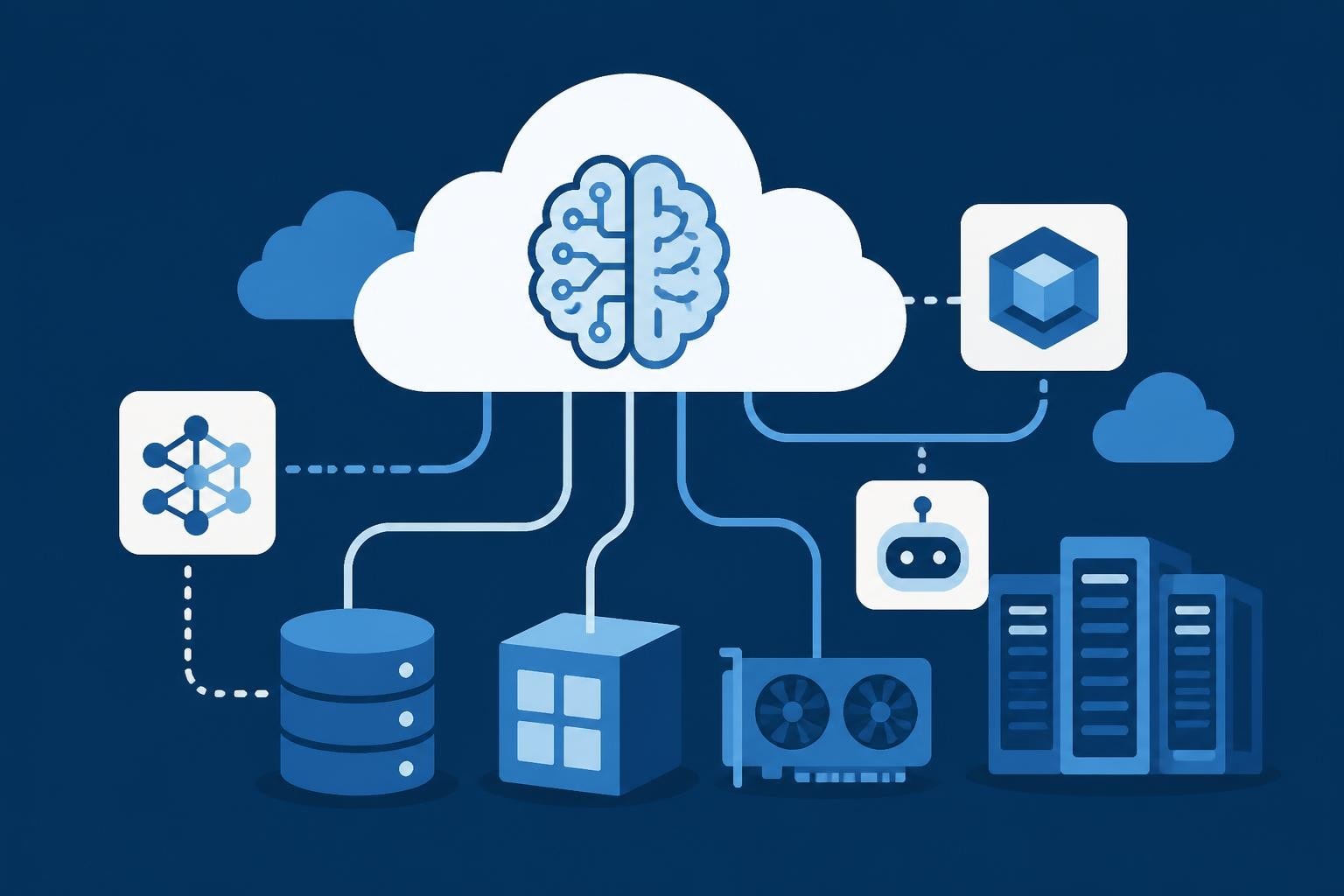
Microsoft's cloud platform has become the backbone for organizations building and deploying artificial intelligence solutions at scale. As businesses invest heavily in AI talent and infrastructure in 2026, understanding the capabilities and strategic advantages of this platform is essential for technical leaders, hiring managers, and AI professionals alike. The platform offers a comprehensive ecosystem that addresses everything from raw computing power to sophisticated machine learning tools, making it a critical consideration for companies building their AI capabilities.
Understanding the Azure Cloud Ecosystem
Microsoft Azure represents one of the three dominant cloud computing platforms globally, competing directly with Amazon Web Services and Google Cloud Platform. The platform encompasses over 200 products and cloud services designed to help organizations solve current challenges and create future innovations.
For AI-focused organizations, Azure provides a particularly compelling value proposition. The infrastructure supports everything from basic virtual machines to cutting-edge GPU clusters specifically designed for machine learning workloads. Microsoft has invested billions in expanding data center capacity, though demand for AI computing resources continues to exceed available capacity in many regions.
Core Infrastructure Components
The foundation of any Azure deployment rests on several key infrastructure elements:
- Compute resources including virtual machines, container services, and serverless functions
- Storage solutions ranging from blob storage to managed databases
- Networking capabilities for secure, high-performance connectivity
- Identity and access management through Azure Active Directory
- Developer tools integrated with Visual Studio and GitHub
These components work together to create a flexible environment where teams can build, test, and deploy applications without managing physical hardware. The platform's global presence across 60+ regions enables organizations to deploy services close to their users while maintaining compliance with data residency requirements.
AI and Machine Learning Capabilities
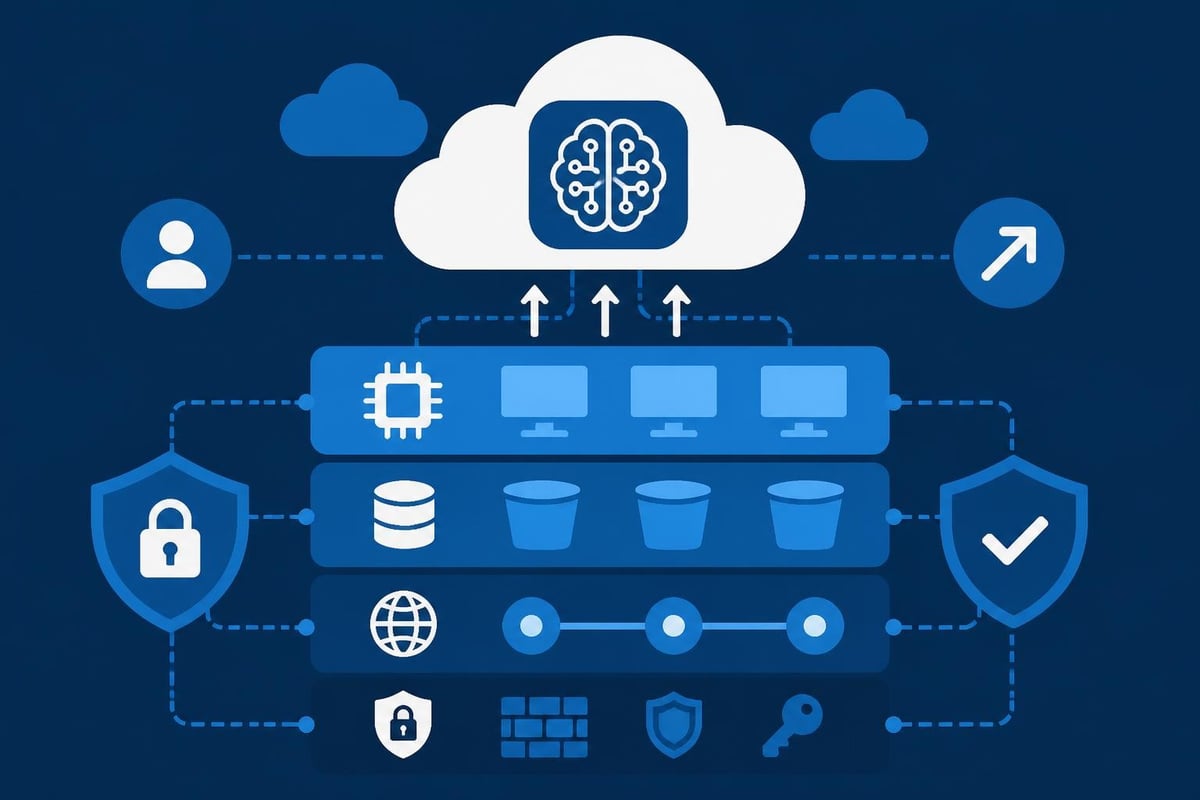
Azure has positioned itself as a leader in cloud-based artificial intelligence services, offering tools that serve both seasoned data scientists and business users with limited technical expertise. The Azure AI platform includes pre-built models, custom training capabilities, and deployment infrastructure.
Azure Machine Learning provides a comprehensive workspace for the entire ML lifecycle. Data scientists can prepare data, train models, track experiments, and deploy solutions to production using familiar frameworks like TensorFlow, PyTorch, and scikit-learn. The service automates many repetitive tasks while giving professionals full control when needed.
Cognitive Services and Pre-Built Models
Microsoft has invested significantly in making AI accessible through Cognitive Services, which offer pre-trained models for common tasks:
| Service Category | Capabilities | Use Cases |
|---|---|---|
| Vision | Image analysis, OCR, face detection | Content moderation, document processing |
| Language | Text analytics, translation, entity recognition | Customer service, content analysis |
| Speech | Speech-to-text, text-to-speech, translation | Transcription, accessibility features |
| Decision | Anomaly detection, content moderation | Fraud detection, quality control |
The platform recently reduced pricing by 60% for AI Content Understanding services, making multimodal AI more accessible to organizations of all sizes. This price reduction reflects both increased competition and Microsoft's commitment to democratizing AI technology.
For companies building AI teams, understanding these capabilities is crucial during the hiring process. When evaluating candidates through platforms like Augmnt ATS, technical leaders should assess whether professionals have hands-on experience with Azure's AI services and can architect solutions that leverage these pre-built components effectively.
Enterprise Security and Compliance
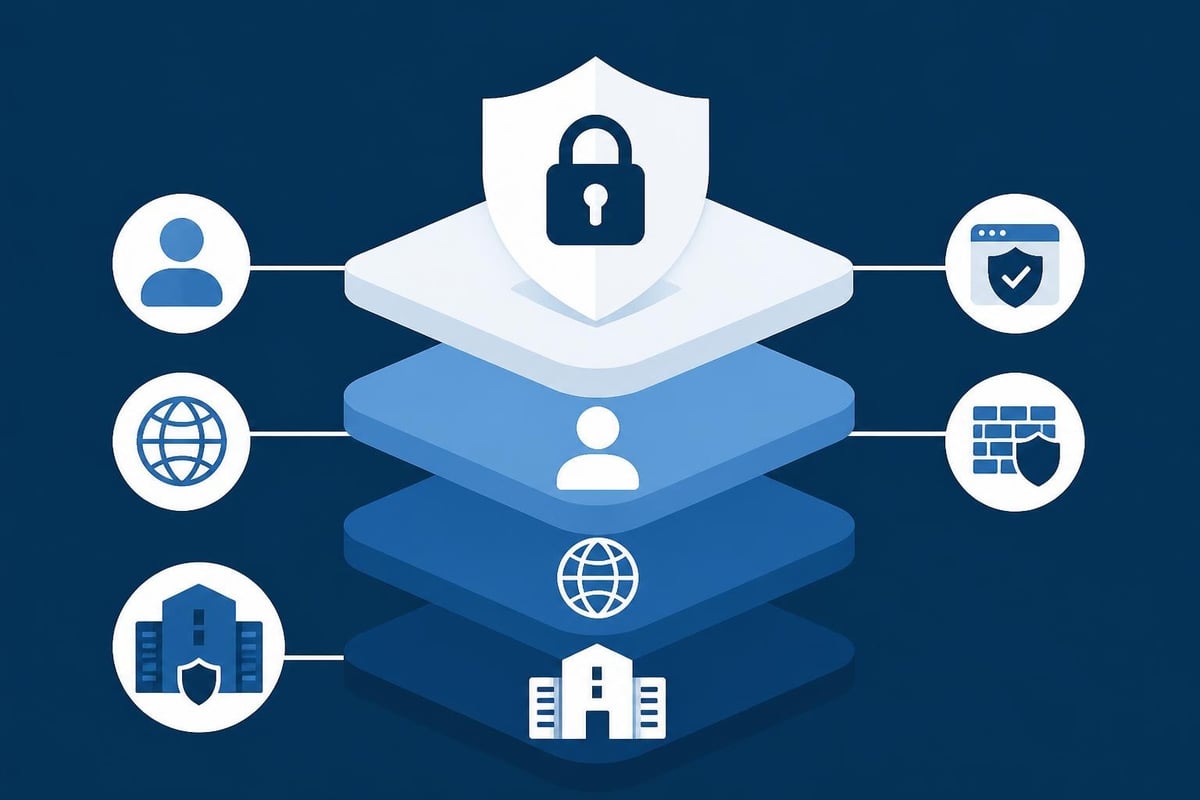
Security remains paramount for organizations moving sensitive workloads to the cloud. Microsoft has addressed this concern through multiple layers of protection, including physical security at data centers, network isolation, encryption, and identity management.
Azure's security posture received a significant boost when Microsoft deployed custom security chips across all servers to protect against the growing cybercrime threat. These chips provide hardware-based root of trust, ensuring that firmware and boot processes haven't been compromised.
Compliance Framework Support
Azure maintains compliance with over 90 compliance offerings, more than any other cloud provider. This extensive coverage includes:
- Industry-specific standards (HIPAA, PCI DSS, FedRAMP)
- Regional requirements (GDPR, UK NDPP, Australia IRAP)
- International frameworks (ISO 27001, SOC 2)
Organizations can leverage Azure Policy and Azure Blueprints to enforce compliance requirements across their cloud resources automatically. This automated governance helps teams maintain security standards without creating bottlenecks in the development process.
The platform's security features integrate seamlessly with the comprehensive documentation Microsoft provides, enabling teams to implement best practices from day one. For AI projects handling sensitive data, these security capabilities provide the foundation necessary to build trust with customers and regulators.
Performance and Hardware Innovation
Microsoft continues to push the boundaries of cloud computing performance through custom hardware development. The introduction of the Cobalt 200 processor represents a strategic shift toward Arm-based CPUs designed specifically for Azure workloads. These chips promise better performance per watt, reducing both operational costs and environmental impact.
For AI workloads, the most significant development is the deployment of supercomputer-scale GPU clusters. The GB300 NVL72 cluster links 4,608 GPUs into a single unified accelerator, delivering 1.44 petaflops of inference performance. This infrastructure enables training of large language models and other demanding AI applications that were previously impossible in cloud environments.
Selecting the Right Compute Resources
Choosing appropriate compute resources requires balancing performance, cost, and availability:
- Assess workload requirements including memory, CPU, and GPU needs
- Evaluate instance families optimized for different use cases
- Consider spot instances for fault-tolerant workloads to reduce costs
- Implement autoscaling to match capacity with demand
- Monitor and optimize continuously using Azure Cost Management
Teams building AI solutions need professionals who understand these nuances. When hiring AI talent, organizations should seek candidates with proven experience in cloud resource optimization, not just theoretical knowledge.
Developer Experience and Integration
Azure provides extensive tools and services designed to streamline the development workflow. Integration with GitHub, Visual Studio Code, and other popular development tools creates a familiar environment for engineering teams.
The platform supports multiple programming languages and frameworks without forcing teams into proprietary technologies. Developers can work with Python, JavaScript, Java, .NET, and many other languages while leveraging Azure services through well-documented APIs and SDKs.
DevOps and Continuous Deployment
Azure DevOps provides a complete set of development lifecycle tools:
- Azure Repos for Git-based source control
- Azure Pipelines for CI/CD automation
- Azure Boards for work tracking
- Azure Test Plans for manual and exploratory testing
- Azure Artifacts for package management
These tools integrate with third-party services, allowing teams to adopt Azure incrementally without abandoning existing workflows. The flexibility supports diverse team structures and development methodologies.
Organizations seeking to expand their technical teams benefit from Azure's developer-friendly approach. Candidates familiar with the platform can contribute immediately rather than spending weeks learning proprietary systems.
Cost Management and Optimization
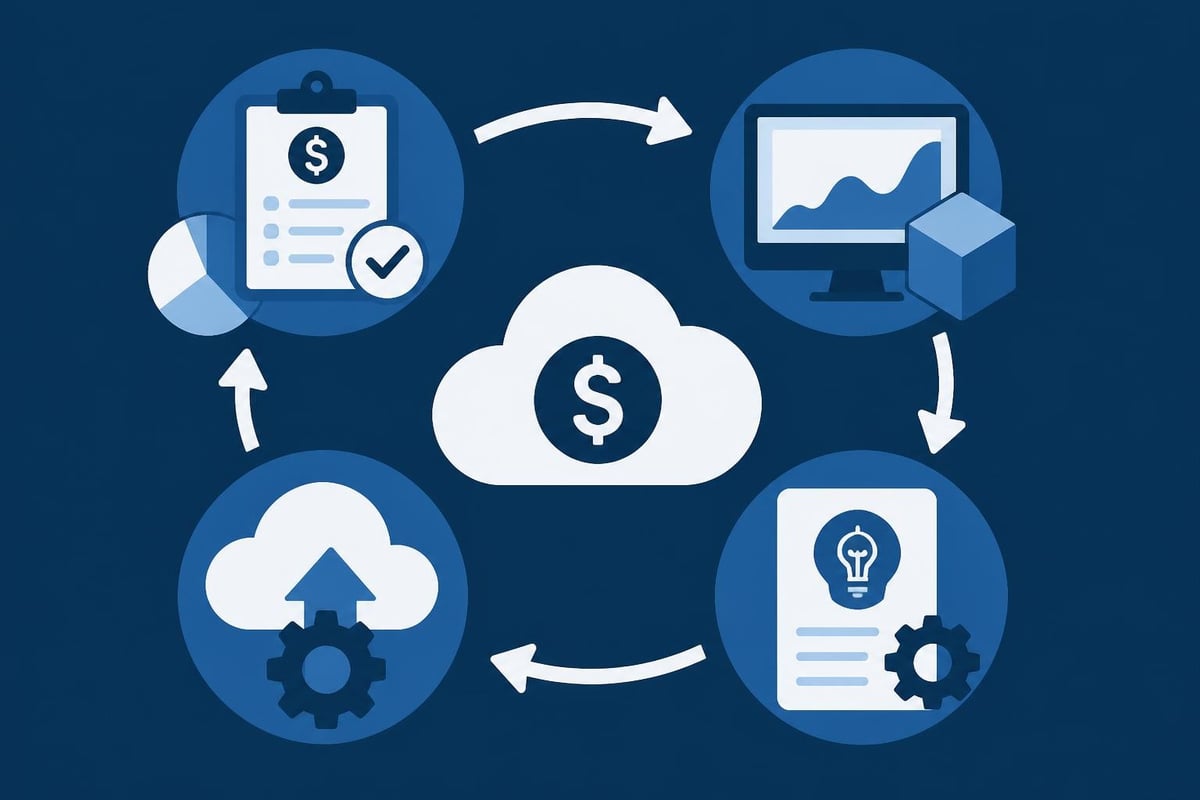
Cloud costs can spiral quickly without proper management, particularly for AI workloads that consume significant computing resources. Azure provides several mechanisms to control spending while maintaining performance.
The platform's pricing model includes pay-as-you-go options, reserved instances for predictable workloads, and spot pricing for interruptible tasks. Understanding these options and applying them strategically can reduce costs by 50% or more compared to using on-demand pricing exclusively.
| Pricing Model | Best For | Potential Savings |
|---|---|---|
| Pay-as-you-go | Unpredictable workloads, testing | Baseline pricing |
| Reserved Instances | Steady-state production workloads | Up to 72% |
| Spot Instances | Batch processing, fault-tolerant tasks | Up to 90% |
| Savings Plans | Flexible commitment across services | Up to 65% |
Azure Cost Management and Billing provides detailed analytics showing where money is being spent. Teams can set budgets, create alerts, and receive recommendations for optimization based on actual usage patterns.
Resource Tagging and Allocation
Implementing a comprehensive tagging strategy enables organizations to track costs by project, department, environment, or any other dimension relevant to their business. This visibility supports informed decisions about resource allocation and project profitability.
For companies scaling their AI initiatives, cost management becomes increasingly critical. AI professionals who can architect cost-effective solutions deliver value beyond technical implementation, contributing directly to business sustainability.
Challenges and Considerations
Despite its strengths, Azure faces several challenges that organizations must consider when evaluating the platform. Understanding these limitations helps teams make informed decisions and plan appropriate mitigation strategies.
Recent reporting suggests that structural issues within Azure stem partly from rapid AI expansion. The platform's complexity has grown significantly, creating potential maintenance challenges and learning curves for new teams.
Capacity constraints represent another ongoing concern. Microsoft has acknowledged that data center limitations will persist through 2026, potentially impacting organizations' ability to provision resources in preferred regions during peak demand periods. Teams should plan for geographic flexibility and consider multi-region architectures.
Vendor Lock-In Risks
As with any cloud platform, using Azure-specific services creates dependencies that complicate migration to alternative providers. Organizations should:
- Prioritize open-source tools and standards where possible
- Document architectural decisions and dependencies
- Maintain abstraction layers for critical components
- Regularly assess alternatives and migration costs
The platform's extensive service catalog can be both an advantage and a challenge. Teams may struggle to identify the optimal service for their needs among dozens of options, leading to suboptimal architecture decisions or redundant implementations.
Strategic Implementation for AI Organizations
Successfully implementing Azure for AI workloads requires more than technical expertise. Organizations need a strategic approach that aligns cloud adoption with business objectives and team capabilities.
Start with a clear assessment of current and future requirements. What types of AI models will you develop? What data volumes will you process? What compliance requirements must you meet? These questions shape infrastructure decisions and resource planning.
Build expertise systematically rather than attempting to master the entire platform at once. Focus initially on core services relevant to your immediate needs, then expand gradually as requirements evolve. This approach prevents overwhelm and enables teams to develop deep expertise in critical areas.
Building Internal Capabilities
Organizations face a choice between developing internal Azure expertise and relying on external consultants. The optimal approach typically involves a hybrid model:
- Hire core platform experts with proven Azure experience
- Train existing team members in relevant services through certifications
- Engage consultants for specialized projects and knowledge transfer
- Establish communities of practice to share knowledge internally
- Document decisions and patterns to accelerate future projects
When building these capabilities, partner with talent platforms that can verify candidates' actual Azure experience rather than relying solely on resumes. The platform's complexity means that hands-on experience matters far more than theoretical knowledge.
Future Developments and Roadmap
Microsoft continues to invest heavily in Azure's capabilities, particularly in areas supporting AI and machine learning workloads. The company's roadmap indicates several trends worth monitoring.
Increased integration between Azure services and Microsoft's productivity tools will create seamless experiences for organizations already using Office 365, Teams, and other Microsoft products. This integration reduces friction for implementing AI capabilities within existing workflows.
Sustainability initiatives will drive continued innovation in energy-efficient hardware and data center design. Microsoft has committed to carbon-negative operations by 2030, influencing both infrastructure investments and service offerings.
The expansion of edge computing capabilities will enable hybrid scenarios where processing occurs closer to data sources. This architecture supports latency-sensitive AI applications and addresses data sovereignty concerns in regulated industries.
For organizations planning their cloud strategy, understanding these directions helps inform long-term architecture decisions. The platform's evolution toward more automated, intelligent services will continue reshaping how teams build and deploy AI solutions.
Microsoft Azure provides a comprehensive, enterprise-grade foundation for organizations building AI capabilities in 2026, offering the infrastructure, tools, and services necessary to develop sophisticated solutions at scale. However, success with the platform depends heavily on having team members who possess genuine expertise and practical experience. Augmnt streamlines the process of finding verified AI professionals who can architect, implement, and optimize Azure-based solutions, ensuring your cloud investments deliver maximum value through comprehensive candidate validation and fraud detection.